← Explore all features02 / Characters
Characters / Characters
Meet your cast.Then make them yours.
Give each character a look, a wardrobe, and visual references you can carry into your scenes.
Try it with early access ↗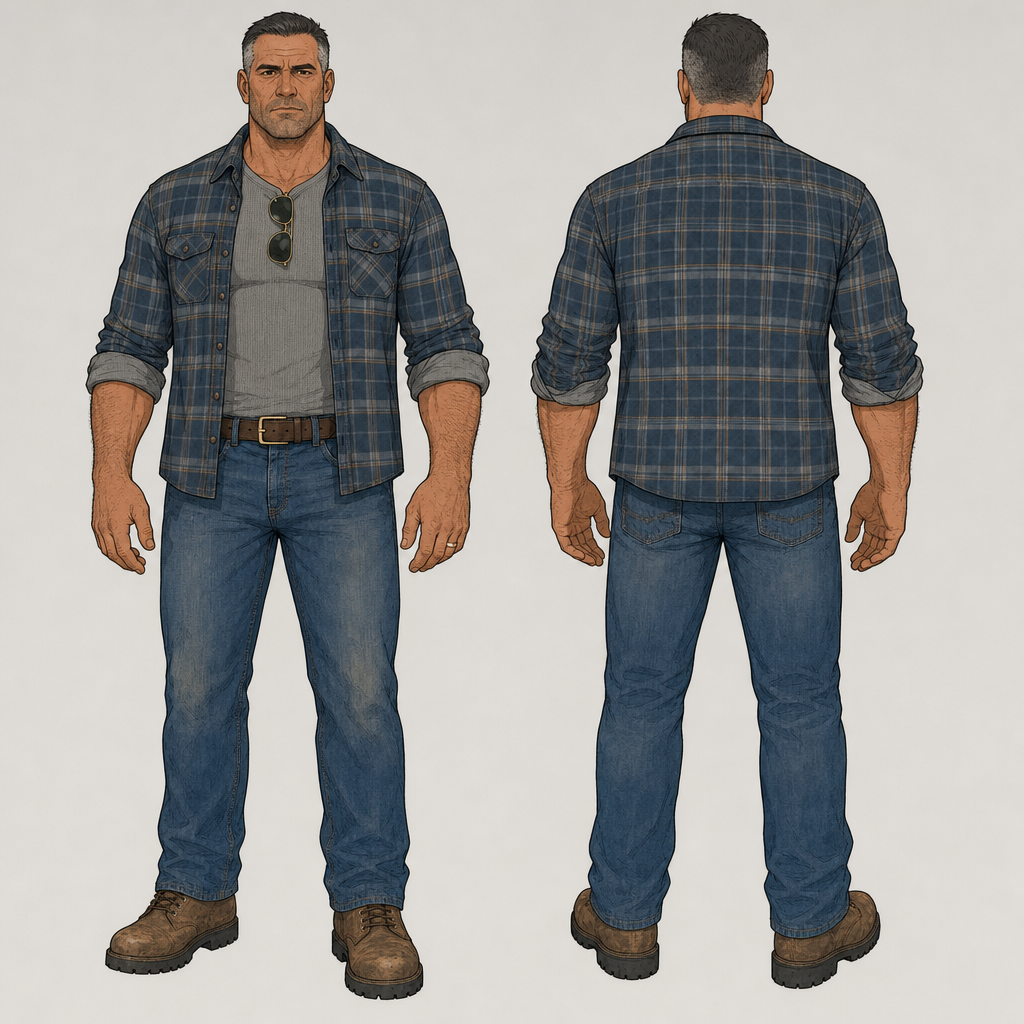
- 01
Describe the people in your cast and plan what they wear.
- 02
Generate and review character images.
- 03
Adapt a character to a scene and create additional views.
What to know before you start
References guide generation. They do not guarantee an identical face or outfit in every generated frame.
In Studio: Cast · Wardrobe · Character images · Character in scene · Character views.
Bring an idea.
Keep the creative control.
Join early access ↗Invite-only beta. Tell us what you want to make.