← Explore all features09 / Editing and export
Edit / Editing and export
Find the rhythmof your film.
Arrange clips, trim their timing, and build a sequence. Use Cut when you're ready for the connected finishing workflow.
Try it with early access ↗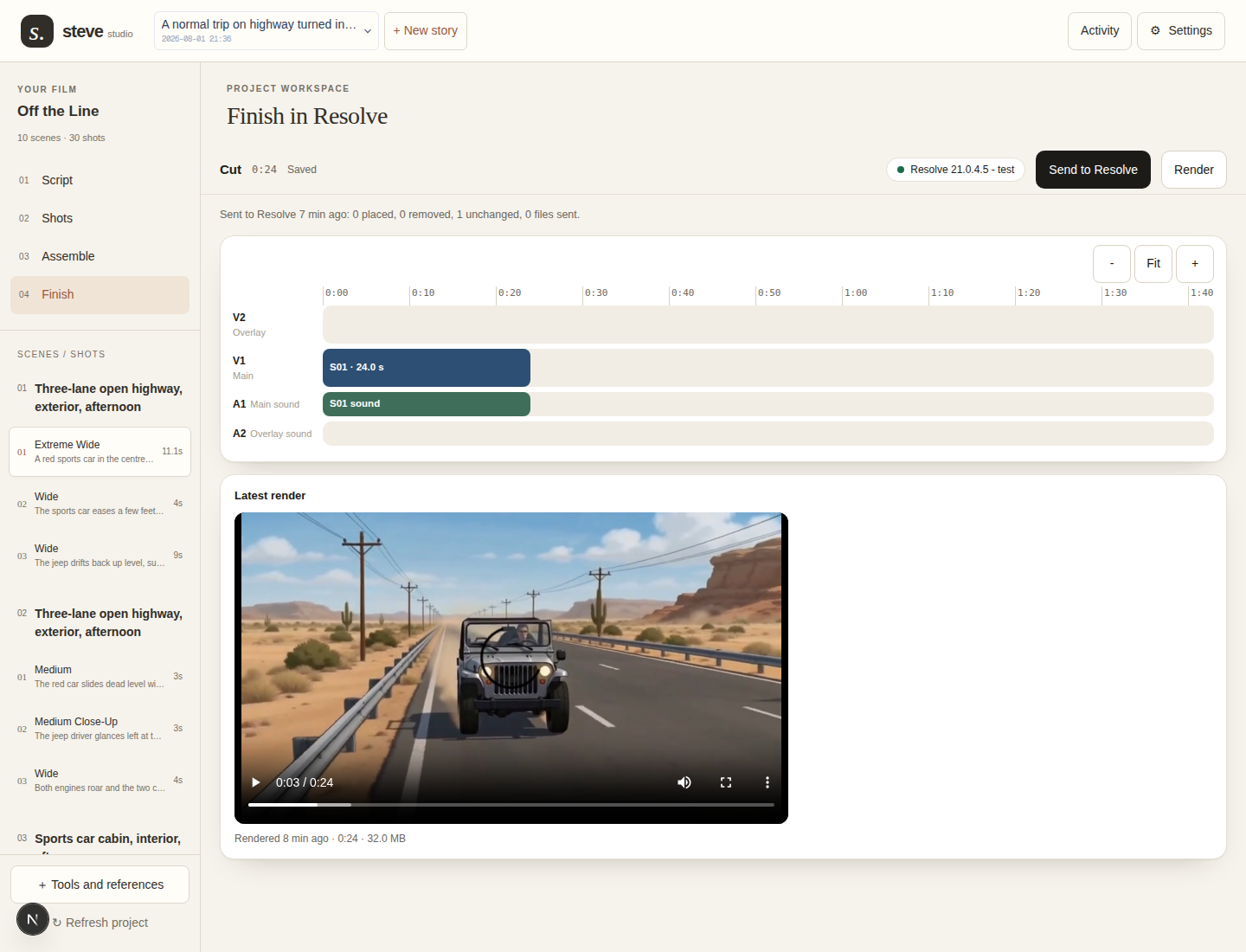
- 01
Choose the generated clips you want to use.
- 02
Arrange their order and adjust their start and end points in Assemble.
- 03
Export the assembly, or use Cut with the connected DaVinci Resolve bridge.
What to know before you start
Export needs usable clips. Assemble order and trims save on this device. Resolve finishing requires a separately configured bridge.
In Studio: Assemble · Cut.
Bring an idea.
Keep the creative control.
Join early access ↗Invite-only beta. Tell us what you want to make.